The verdict
Evidence note: This is a research-based breakdown of published pricing, documented features, and independent user-rating data. It is not presented as a hands-on test unless explicitly stated.
Cal.com scores 4.4/5 in our comparison model. Based on the available evidence, it's best suited to developers and technical creators and teams wanting an open-source option. Most generous free individual plan. The main trade-offs: self-hosting needs technical effort; polish trails calendly in spots; best features assume some setup. There's a genuinely usable free plan, so you can try it at zero cost.
What Cal.com looks like
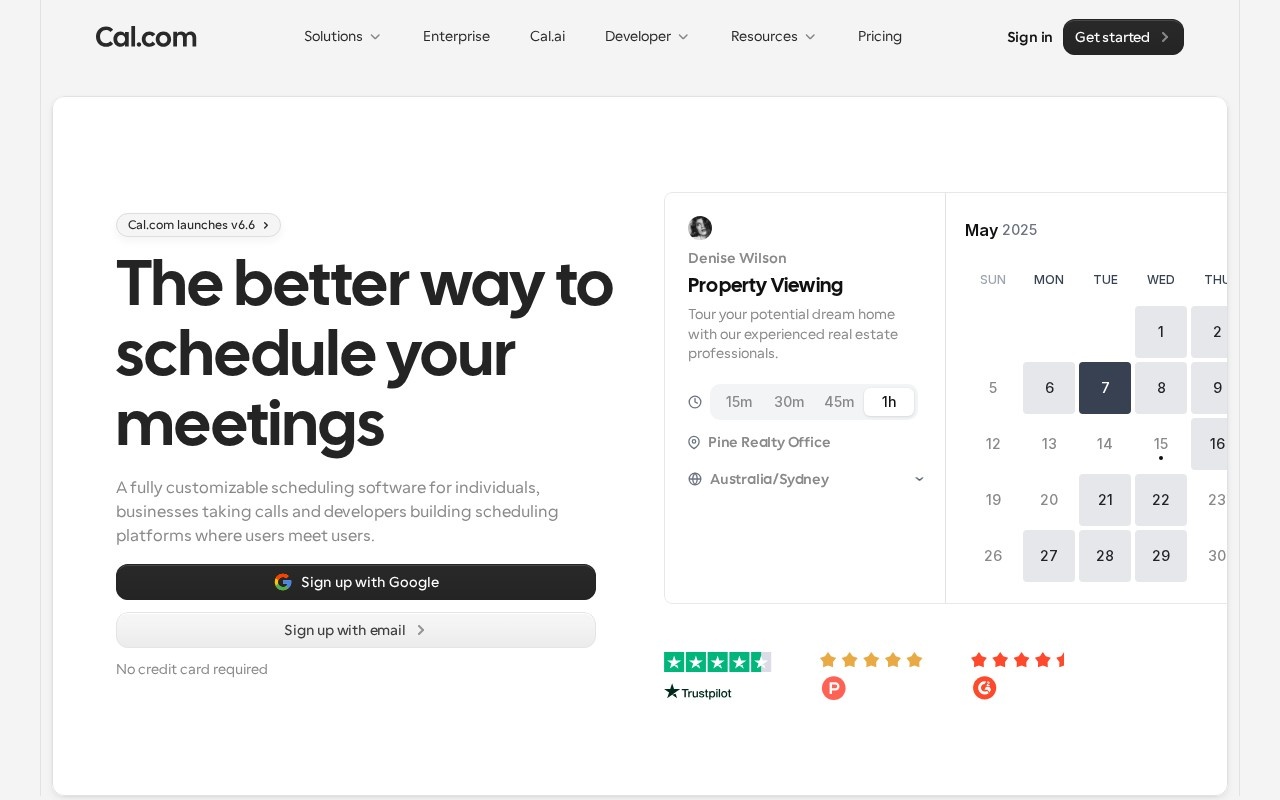
A live snapshot of Cal.com's site so you can eyeball the look and feel before clicking through.
Pros & cons
- Most generous free individual plan
- Open source with self-host option
- Highly customizable and developer-friendly
- Self-hosting needs technical effort
- Polish trails Calendly in spots
- Best features assume some setup
Key features
- Open-source & self-hostable
- Unlimited event types on free plan
- Round-robin & collective scheduling
- 100+ app integrations
- Workflows & automated reminders
- API & white-label embeds
- Routing forms
Pricing
Free forever for individuals; Teams is $12/user/mo billed annually, Organizations $28/user/mo.
| Plan | Monthly | Annual (per mo) | What you get |
|---|---|---|---|
| Free | Free | Free | 1 user, unlimited event types |
| Teams | $15 | $12 | per seat/mo |
| Organizations | $37 | $28 | per seat/mo |
Transaction fees: 0%. Prices verified against Cal.com's pricing page; verify current pricing ↗.
Who should use Cal.com?
Good fit
- Developers and technical creators
- Teams wanting an open-source option
Look elsewhere
- Non-technical users wanting zero setup
Weighing the field? See Cal.com alternatives →.
Frequently asked questions
How much does Cal.com cost?
Cal.com is free to start. Free forever for individuals; Teams is $12/user/mo billed annually, Organizations $28/user/mo.
Does Cal.com charge transaction fees?
Transaction fees: 0%. You keep the full sale (minus your payment processor).
Who is Cal.com best for?
Cal.com is best for developers and technical creators and teams wanting an open-source option. It's less ideal for non-technical users wanting zero setup.